Overview
Xtrm allows you to seamlessly hold, exchange, buy, and sell multiple international currencies directly within your digital wallet. The Exchange feature provides real-time currency conversion, enabling you to manage multi-currency balances or prepare funds for global transfers without leaving the platform.
Prerequisites
Active Personal Account: Ensure you are logged into your verified Xtrm personal account.
Sufficient Funds: You must have an available balance in the source currency wallet you wish to convert from.
Identity Level (IDL): Higher currency conversion limits depend on your current account identity level.
How to Buy a currency
- Click Exchange.
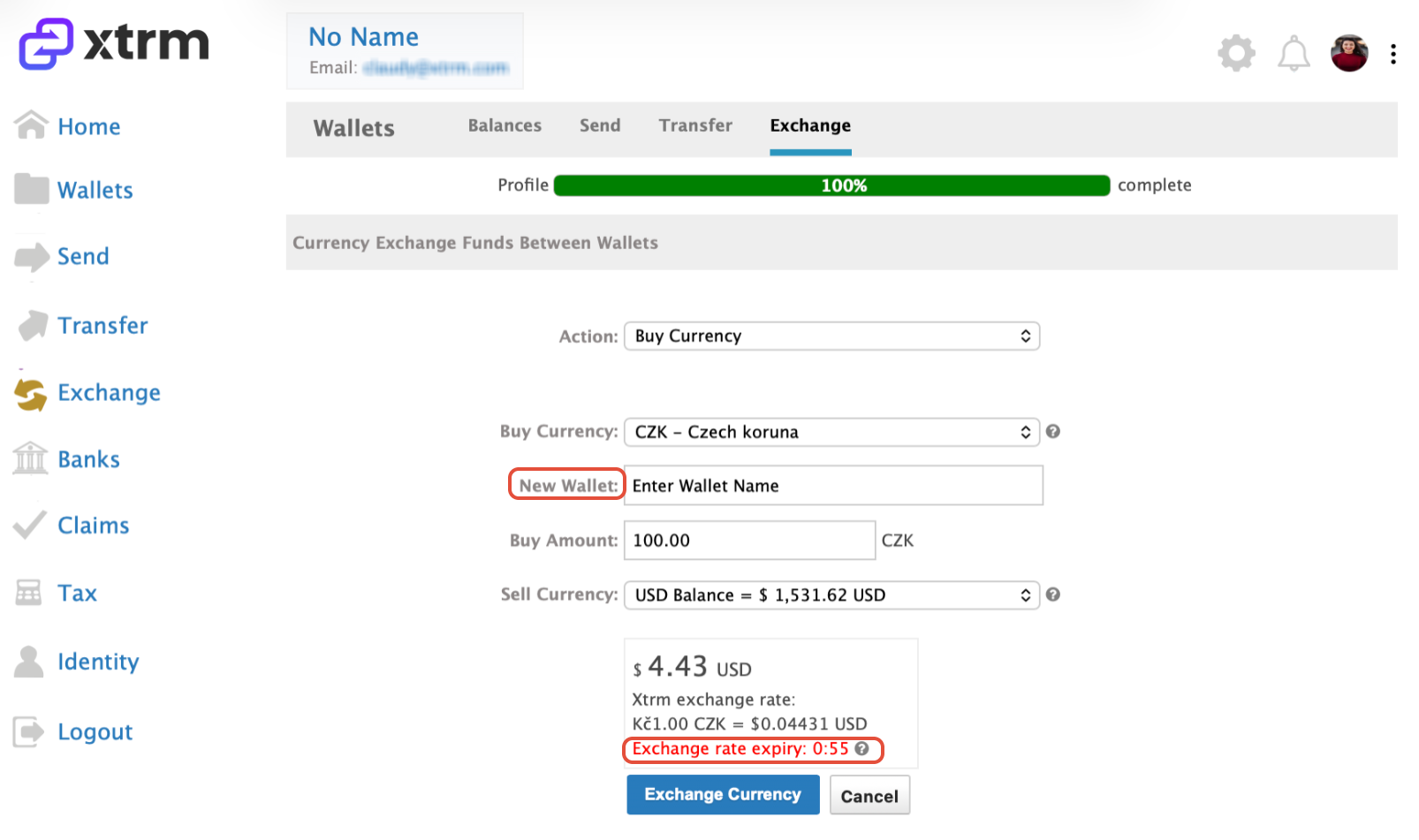
- Choose the Action to Buy (purchase) a currency.
- Select the appropriate Buy Currency
- If you do not have an Xtrm wallet in the selected Buy currency, you will be prompted to enter a wallet name. The appropriate wallet will be automatically created once the exchange is completed.
- Enter the amount you want to Buy
- Select the wallet where you want to Sell from.
- Review the exchange details and confirm within the 1-minute rate validity period, and proceed to click on Exchange Currency
- If the exchange rate is not accepted within 1 minute, the quote will expire and a new rate will be provided.
How to Sell a currency
- Click Exchange.
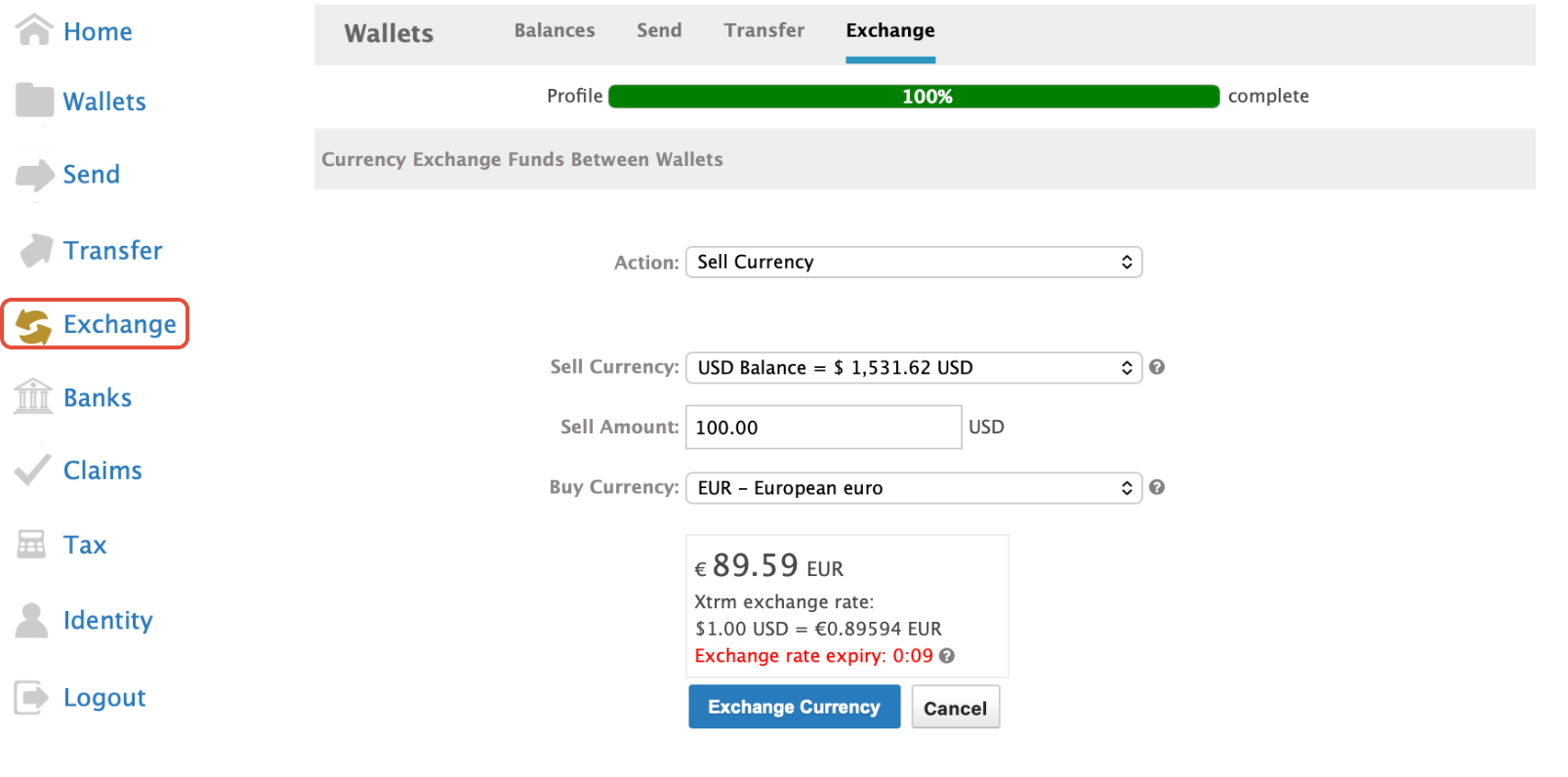
- Choose the Action to Sell a currency.
- Select the appropriate Xtrm wallet you want to Sell from.
- Enter the amount you want to Sell
- From the Buy Currency dropdown, select the currency to Buy
- Review the exchange details and confirm within the 1-minute rate validity period.
- If the exchange rate is not accepted within 1 minute, the quote will expire and a new rate will be
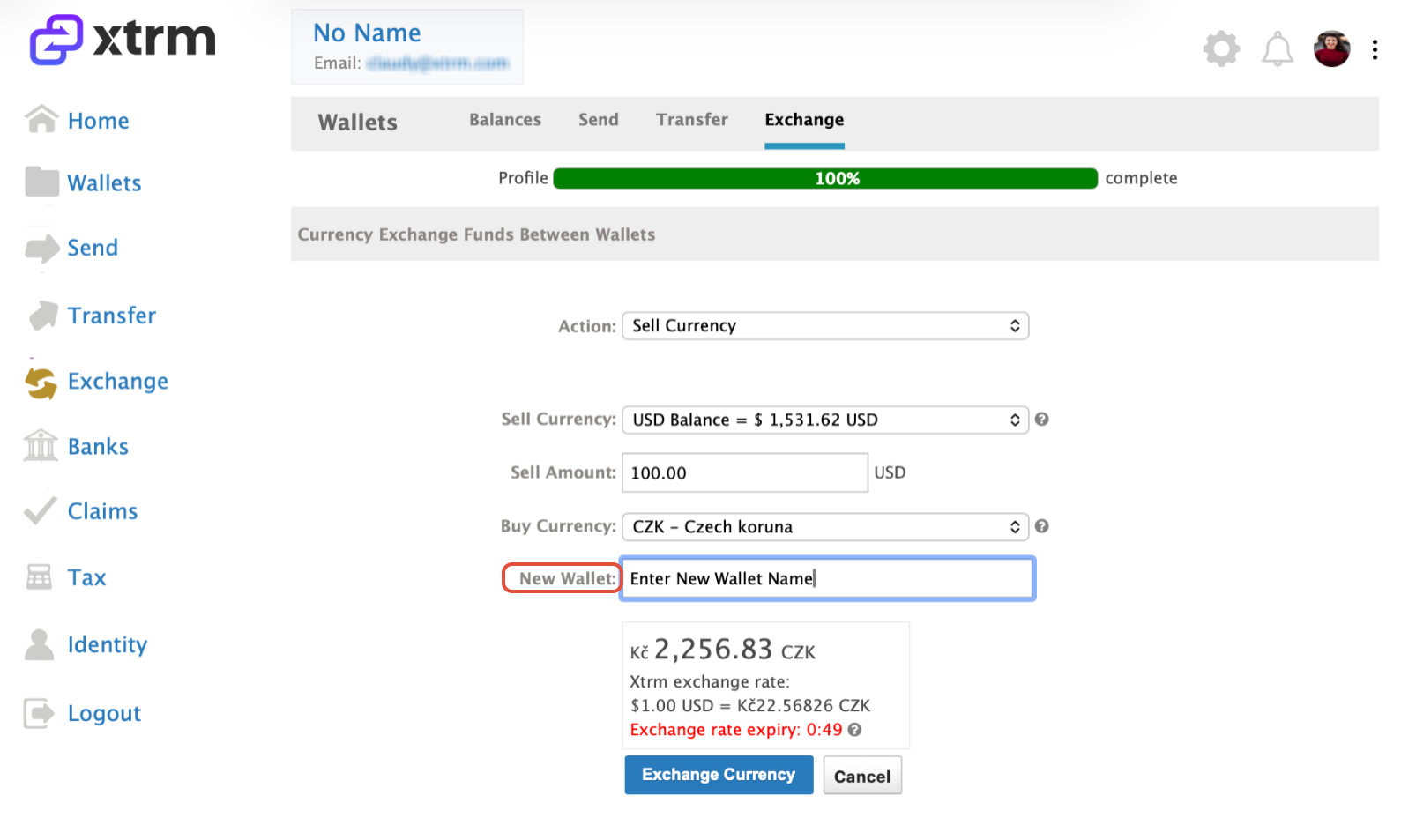
If you do not have an Xtrm wallet in the selected Buy currency, you will be prompted to enter a wallet name. The appropriate wallet will be automatically created once the exchange is completed.
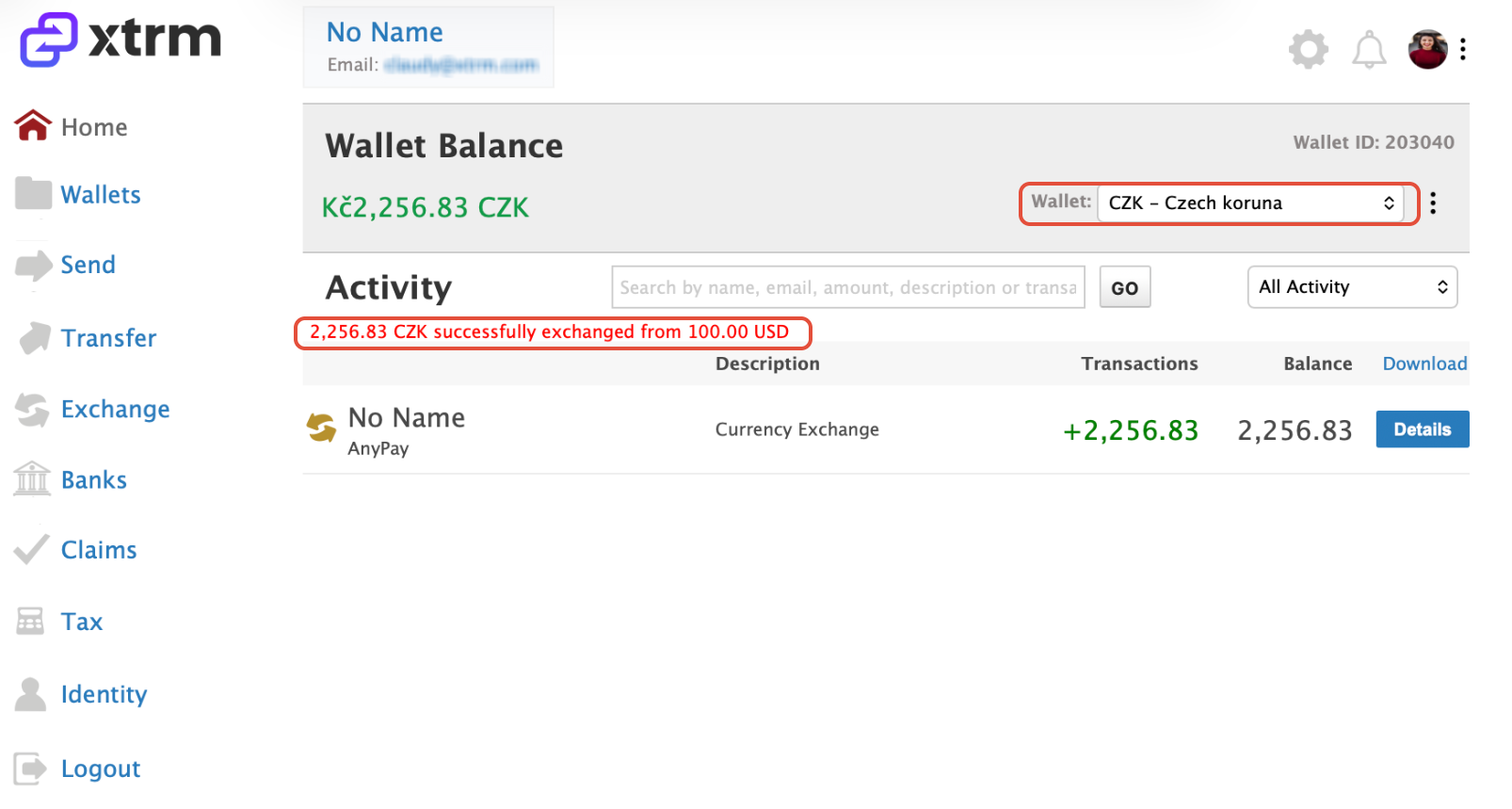
Once the exchange is complete, you will be automatically redirected to the wallet where your exchanged currency has been credited.
Was this article helpful?
That’s Great!
Thank you for your feedback
Sorry! We couldn't be helpful
Thank you for your feedback
Feedback sent
We appreciate your effort and will try to fix the article