CONMANAGER002 — How to Delete Linked Bank Accounts for Connected Companies or Individuals
Last updated: August 26, 2026
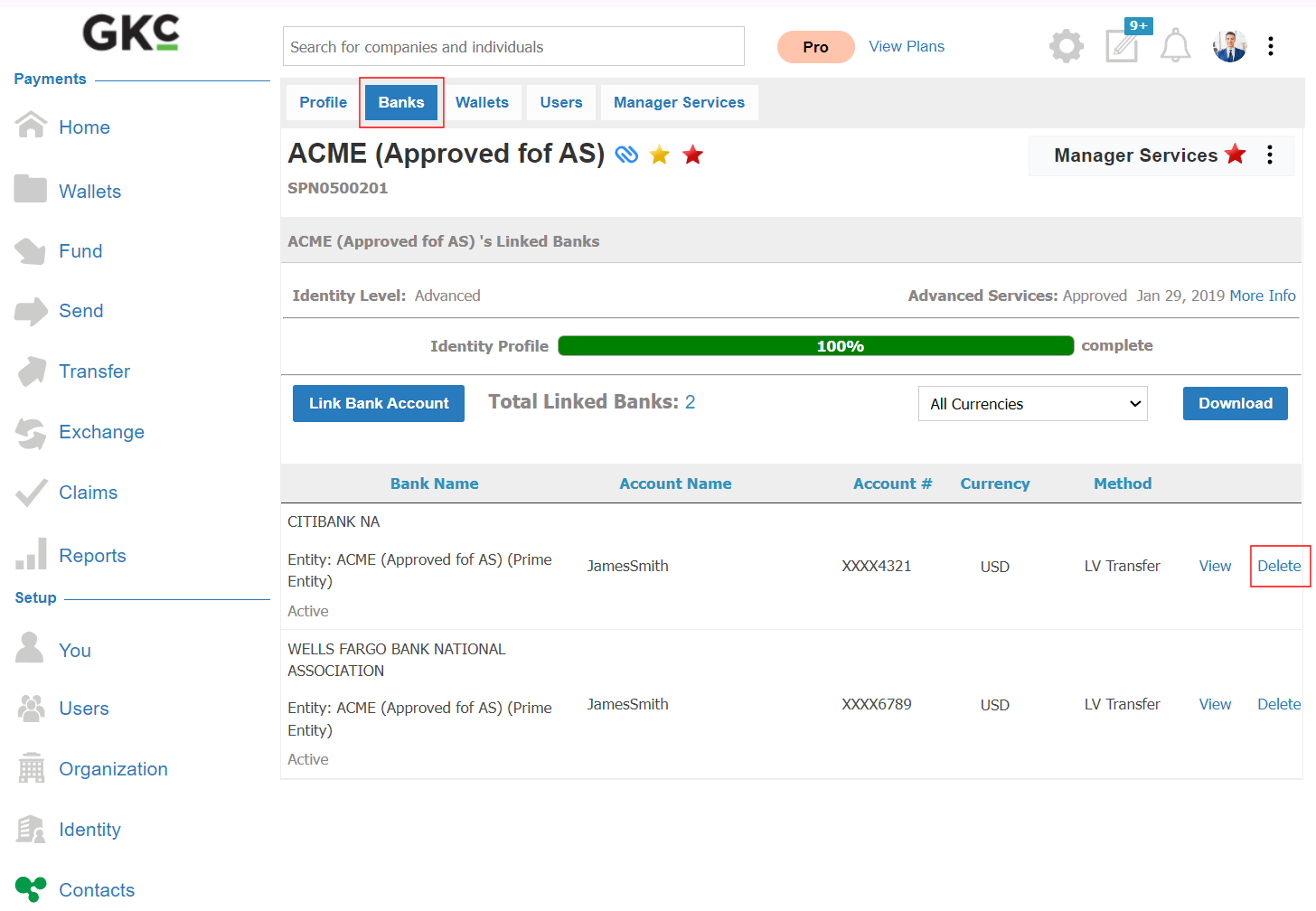
This feature allows a manager account to delete linked bank accounts for their Connected company or individual downstream customers. Follow these steps:
Search for the Account: Go to the Contacts menu and search for the company or individual account.
View Linked Banks: Click on the Banks tab to view currently linked banks
Delete a Bank Account: Click Delete next to the bank account you wish to remove.
Connected company account