ONBOARD004 — Branded Registration Pages Overview
Last updated: August 26, 2026
What is a Branded Registration Page?
Xtrm allows organizations to set up custom, co-branded registration pages (yourcompany.xtrm.com or customized iframe portals). This provides a seamless onboarding experience for partners, contractors, affiliates, or beneficiaries registering to receive or send payments within your connected payment architecture.
Key Benefits
Consistent brand and user experience: Embed your company logo, custom styling, and tailored welcoming copy.
Automatic Routing: Automatically links newly registered personal or business wallets directly under your master manager account.
Custom Field Capture: Collect specific program metadata (e.g., Partner ID, Employee ID, Campaign Code) during registration.
Streamlined Compliance: Users complete required KYC/AML verification natively through your branded onboarding link.
Registration portal types
Portal type | Target audience | Primary use case |
|---|---|---|
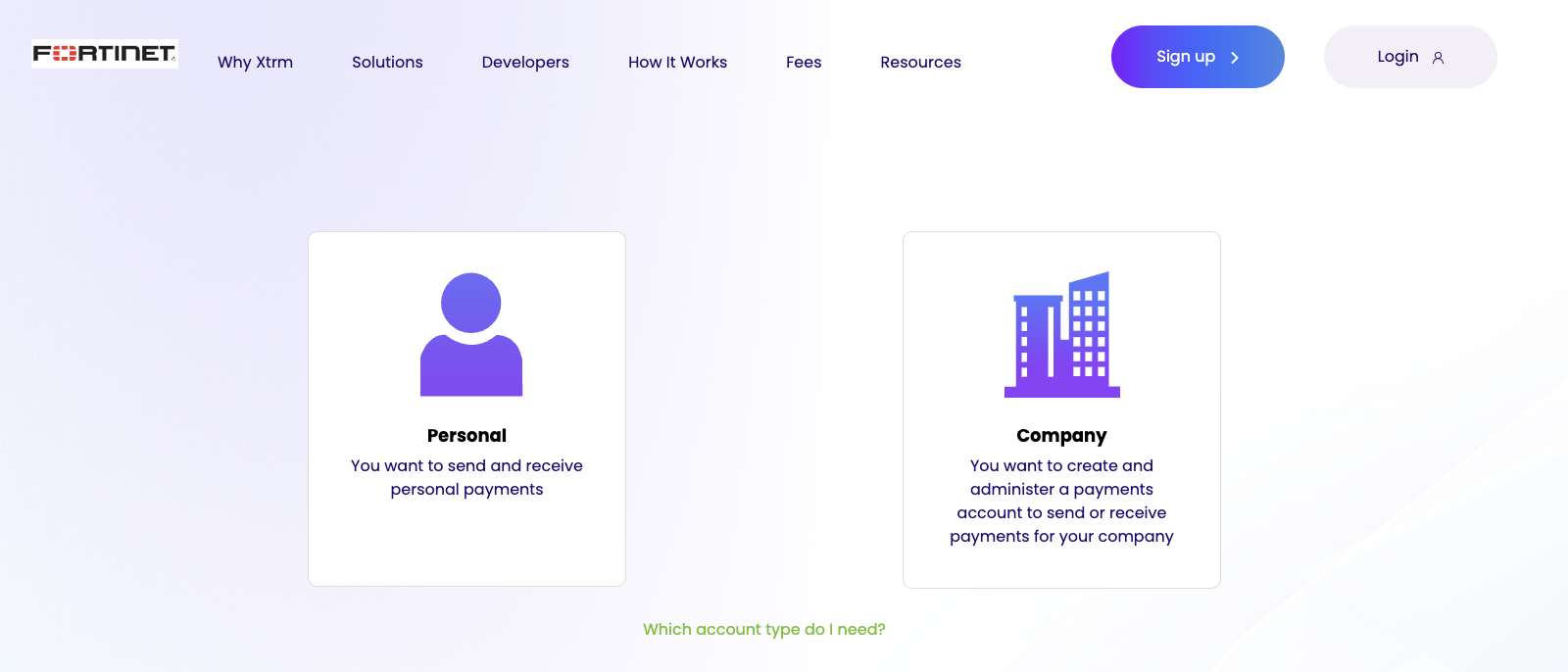
Branded individual registration | Contractors, affiliates, sales reps, freelancers | Onboarding recipients for SPIFs, rewards, and incentive payouts |
Branded company registration | Dealers, distributors, B2B suppliers, vendors | Onboarding partner companies for B2B settlements and mass payouts |
Setting up your branded page
Log in to xtrm.com using your Master Admin or Controller credentials.
Find your reserved URL. Go to Settings to locate the URL already reserved for your account. The default format is
yourcompany.xtrm.com.Request a custom URL (optional). To change the reserved URL, email [email protected].
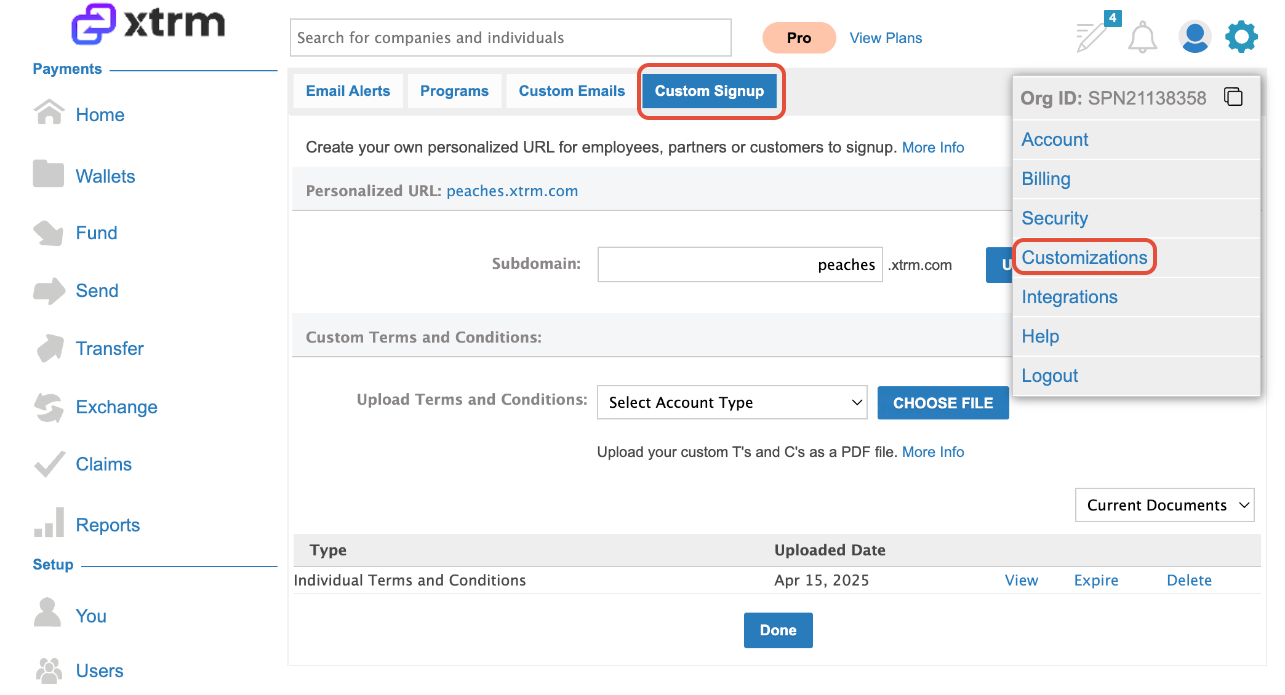
Customizing your page
Branding
Upload your company logo as a high-resolution PNG or SVG — 300×80px with a transparent background is recommended.
Where registrants appear
Everyone who registers through your custom URL — customers, partners, or employees — is added automatically to your Contacts page.