CONMANAGER006 — How to Edit Connected Company Logo
Last updated: August 18, 2026
This connected manager service allows you to edit the logo for your connected customer. The logo will be used as a header for all alert emails sent on behalf of that connected customer.
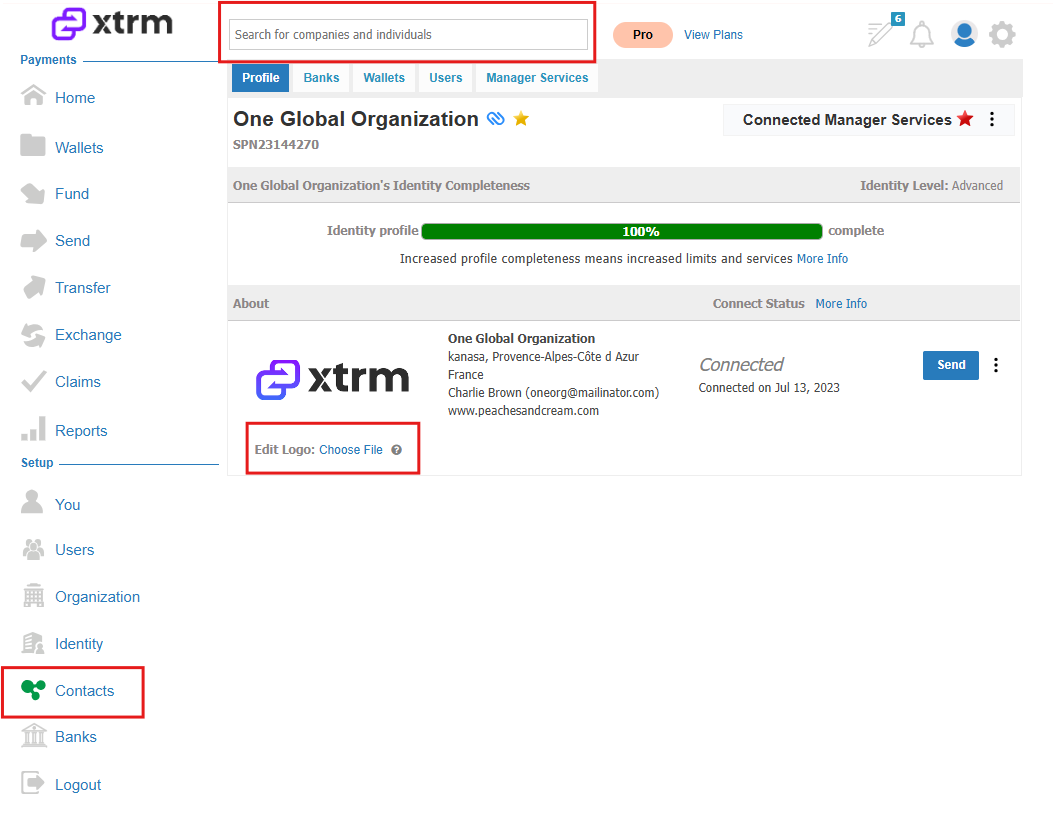
1. Click on Contacts and search for the connected customer.
2. Locate the company, and click Choose File to edit the logo.
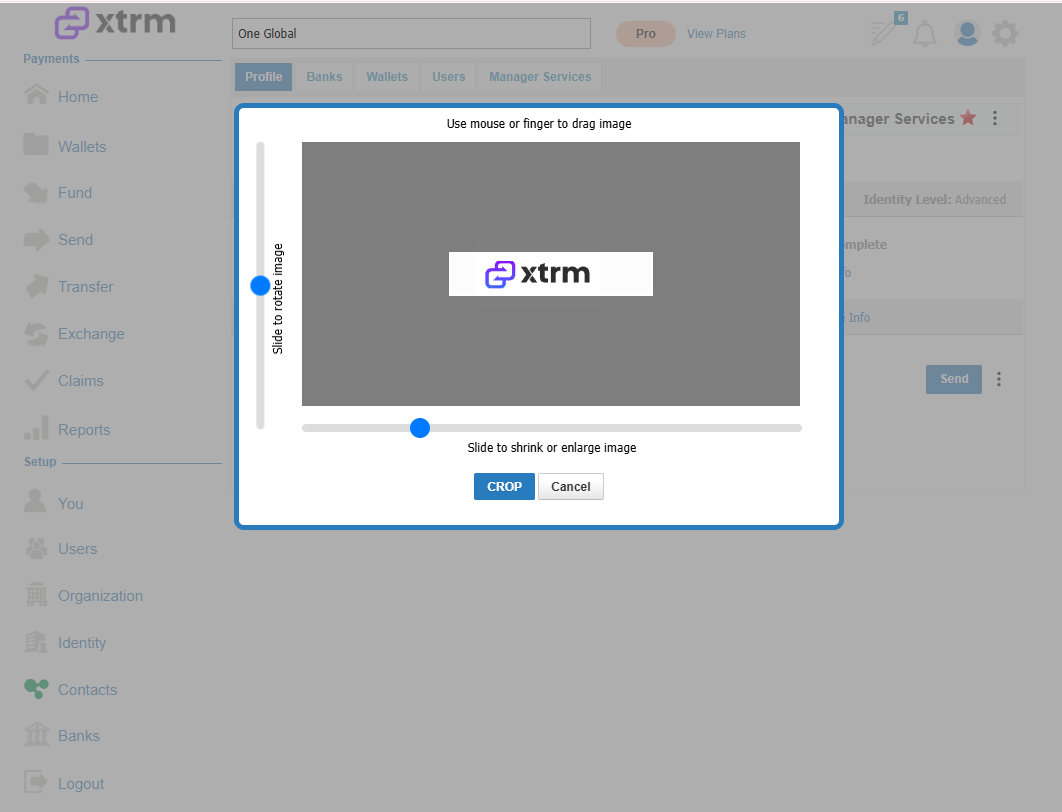
3. Select the logo file, then click Crop to finalize the selection.