SECURITY006 — One-Time Passwords (MFA) Overview
Last updated: September 1, 2026
For enhanced security, Xtrm uses Multi-Factor Authentication (MFA) during login and for specific transactions, such as bank transfers.
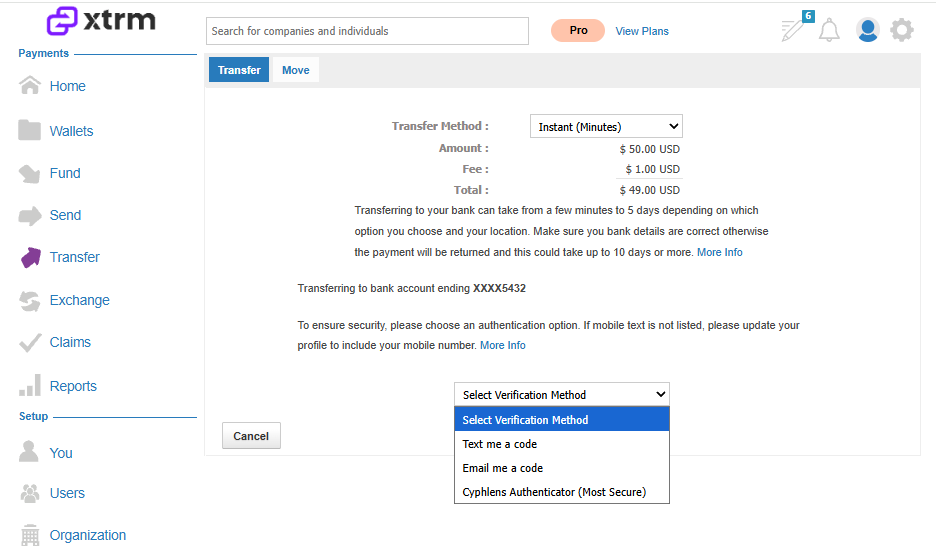
Our preferred method for MFA is Cyphlens, which provides a seamless and secure authentication experience. If Cyphlens is not set up, users will receive one-time passcodes (OTP) via email or text (if a mobile number is added to their profile).
Cyphlens — preferred MFA method
For a more reliable and secure login experience, we strongly recommend using Cyphlens. Watch the setup walkthrough: Cyphlens 2FA
How to set up Cyphlens:
Download the Cyphlens application: cyphlens.com/playground.html
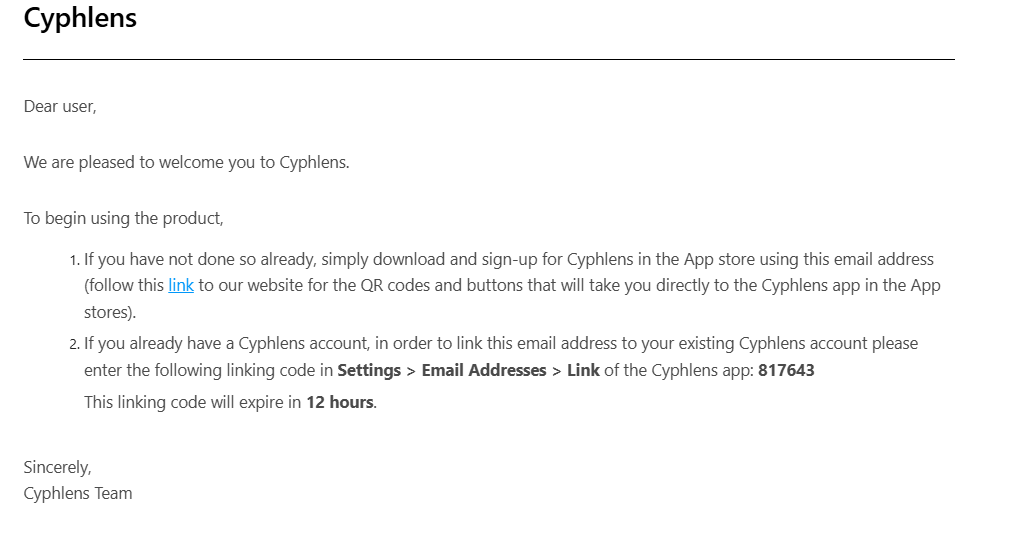
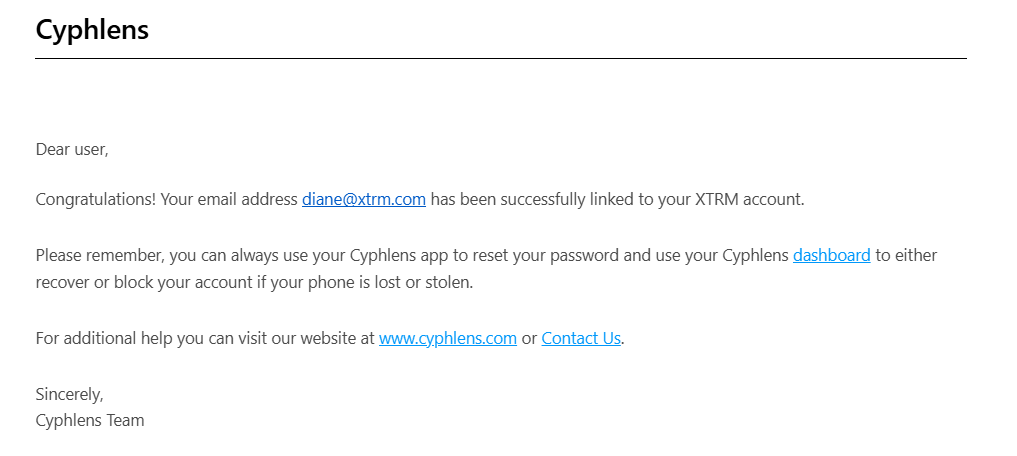
Onboard using the email address registered with your Xtrm account.
Verify both your phone and email with dual authentication codes.
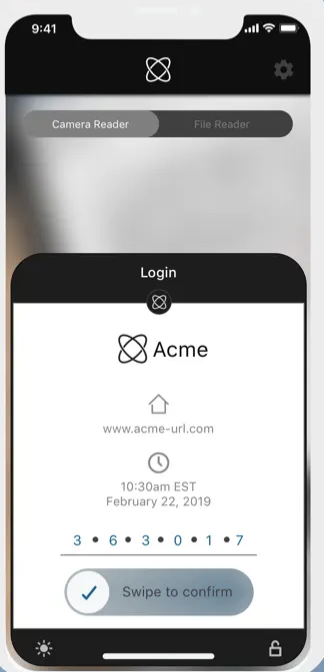
Logging in with Cyphlens: Using the Cyphlens app on your mobile device, scan the code shown at login or swipe up within the app to view it or enter the six-digit code (e.g., 363017) in the Cyphlens app to proceed with login.
One-time passwords are also required to confirm transfers.
OTP default behavior
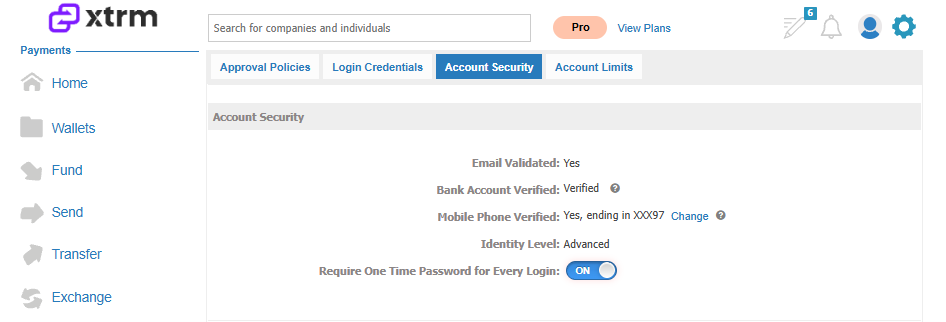
One-Time Password (OTP) / Multi-Factor Authentication (MFA) is defaulted to OFF for all accounts. Logging in from a different IP address will still prompt you for an OTP. For added security, companies and individuals can turn this setting ON, which will prompt an OTP at every login.
Troubleshooting
No option for texted OTP
If you're not getting the option to have OTPs texted to you, add your mobile number to your profile.
OTP timing out via email
If an OTP arrives via email and doesn't work because it timed out, this may be due to delays caused by your email provider or internal company system — we send them instantly. To avoid this, add your mobile number to your profile to receive OTPs via text instead. If you can't log in, email us at [email protected] and request we add your mobile number to your profile.
By following these steps, you can ensure that your account remains secure and that any unrecognized devices are removed promptly. Additionally, managing your OTP settings can help prevent issues with timeouts and delays.