COMP063 - Manually added company account
Last updated: August 18, 2026
Account Creation and email notification for Manually connected via User Interface
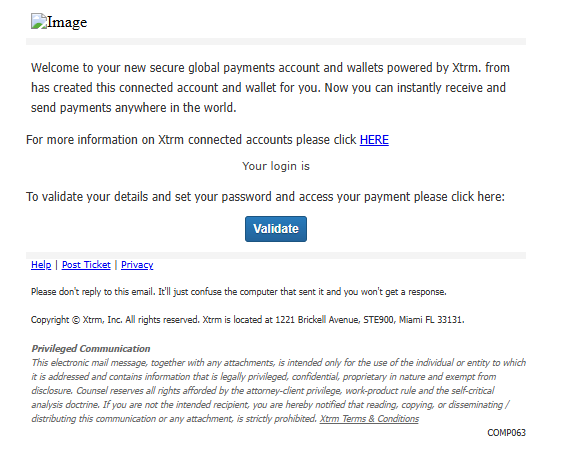
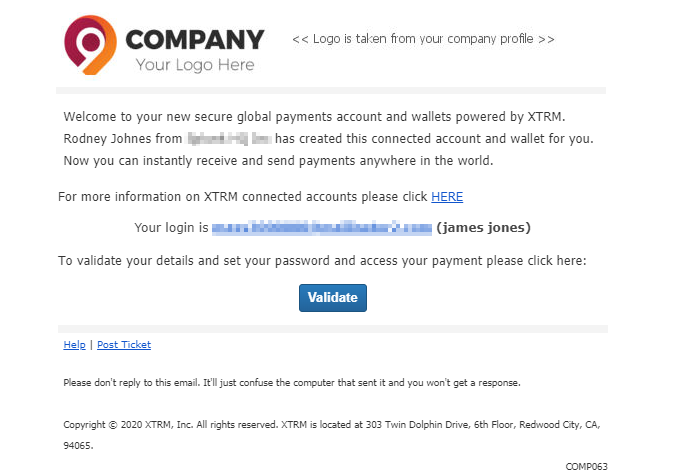
When you create a new beneficiary or issue a payment to a recipient new to the platform, the system ensures a professional, branded experience to maintain trust and clarity.
If you create a beneficiary company account while logged in as a remitter:
Validation: The new company is sent an email validation link immediately.
Compliance: Once validated, the account undergoes a compliance review (typically completed within 48 hours).
Onboarding: After approval, the beneficiary receives a final notification to log in and access their new company account.
Branding: The registration email features your Company Logo and Name in the header to clearly identify the invitation source.
The email includes your company logo and company name within the header. The Logo is taken from the company profile.