COMPANY024 — How to Add Companies to Your Branded Page
Last updated: August 26, 2026
If you have a custom-branded registration page (e.g., >.xtrm.com) and want to add company options to the employer/organization list for individual beneficiaries to select during signup, follow these steps:
Adding Companies to Your Branded Signup Page
1. Log In: Account access.
Sign into your XTRM Company Account.
2. Navigate to Contacts: Main menu.
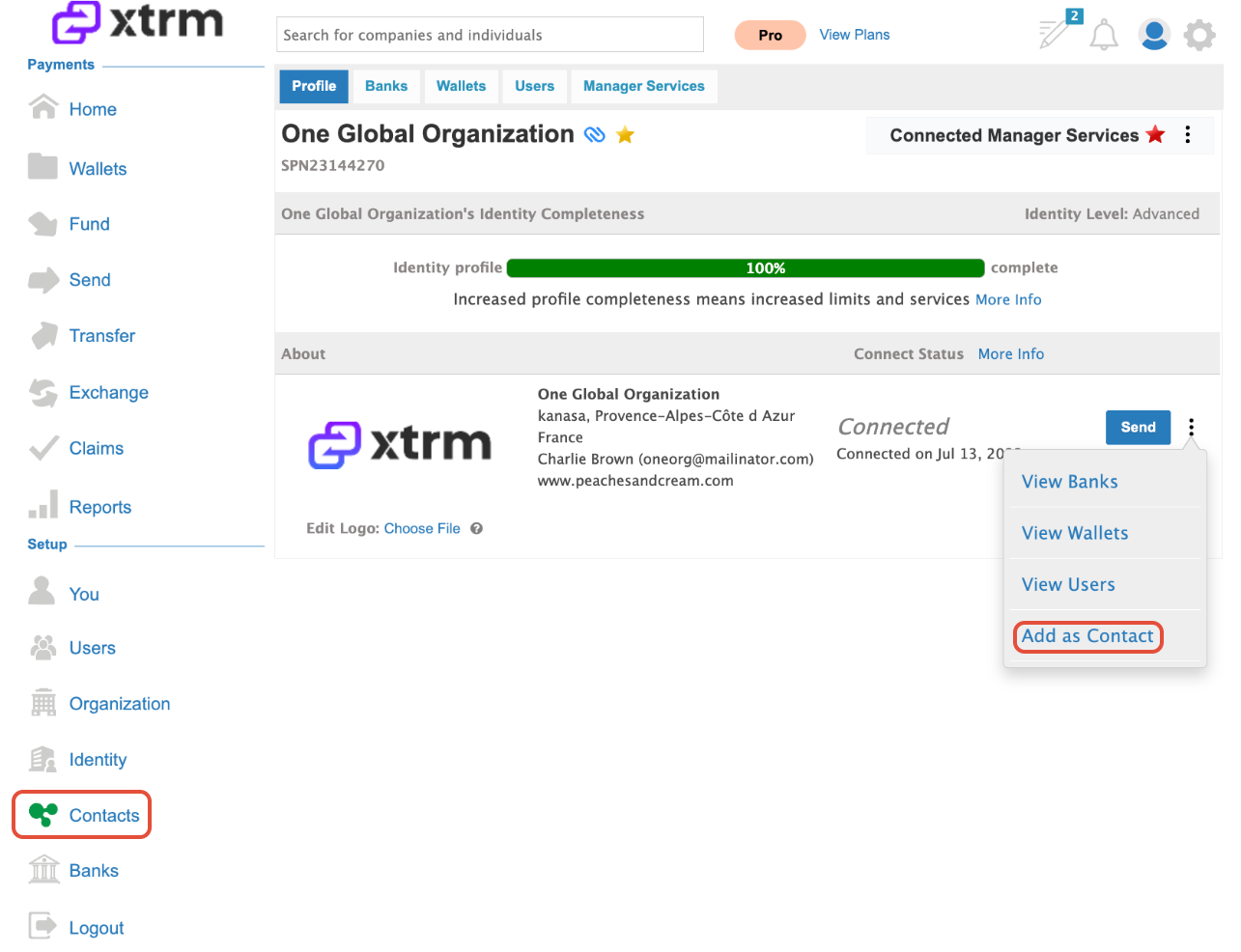
Click Contacts in the left-hand menu bar.
3. Search for the Company: Search directory.
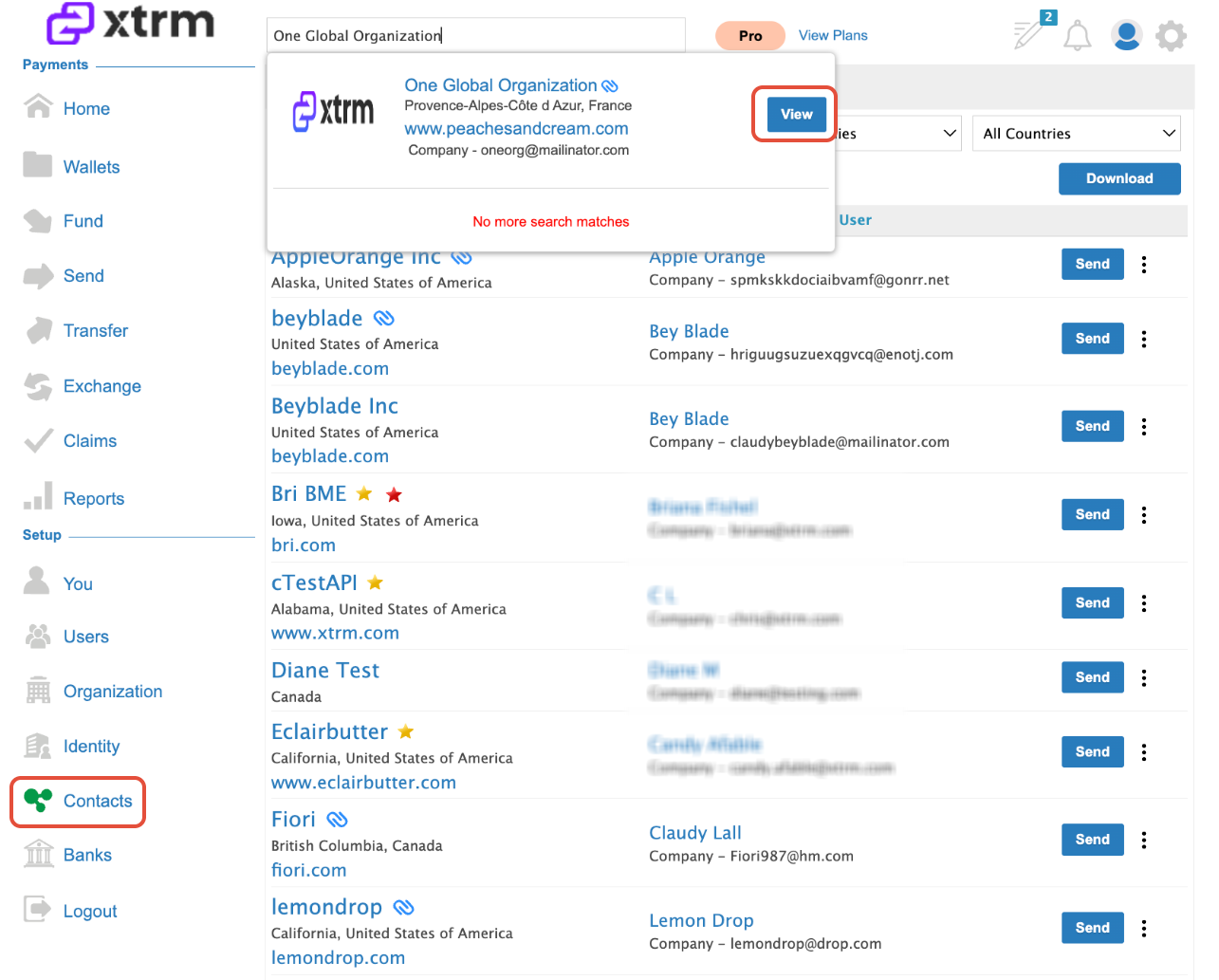
Type the target company’s name into the search bar to check if they already exist in the Xtrm network directory.
4. Add or Create Company: Add or create record.
a. Existing Company: If the company appears in the search results, click View and proceed to Add as a contact
b. New Company: If the company does not appear in the results, click Add New Company and enter their organization details.