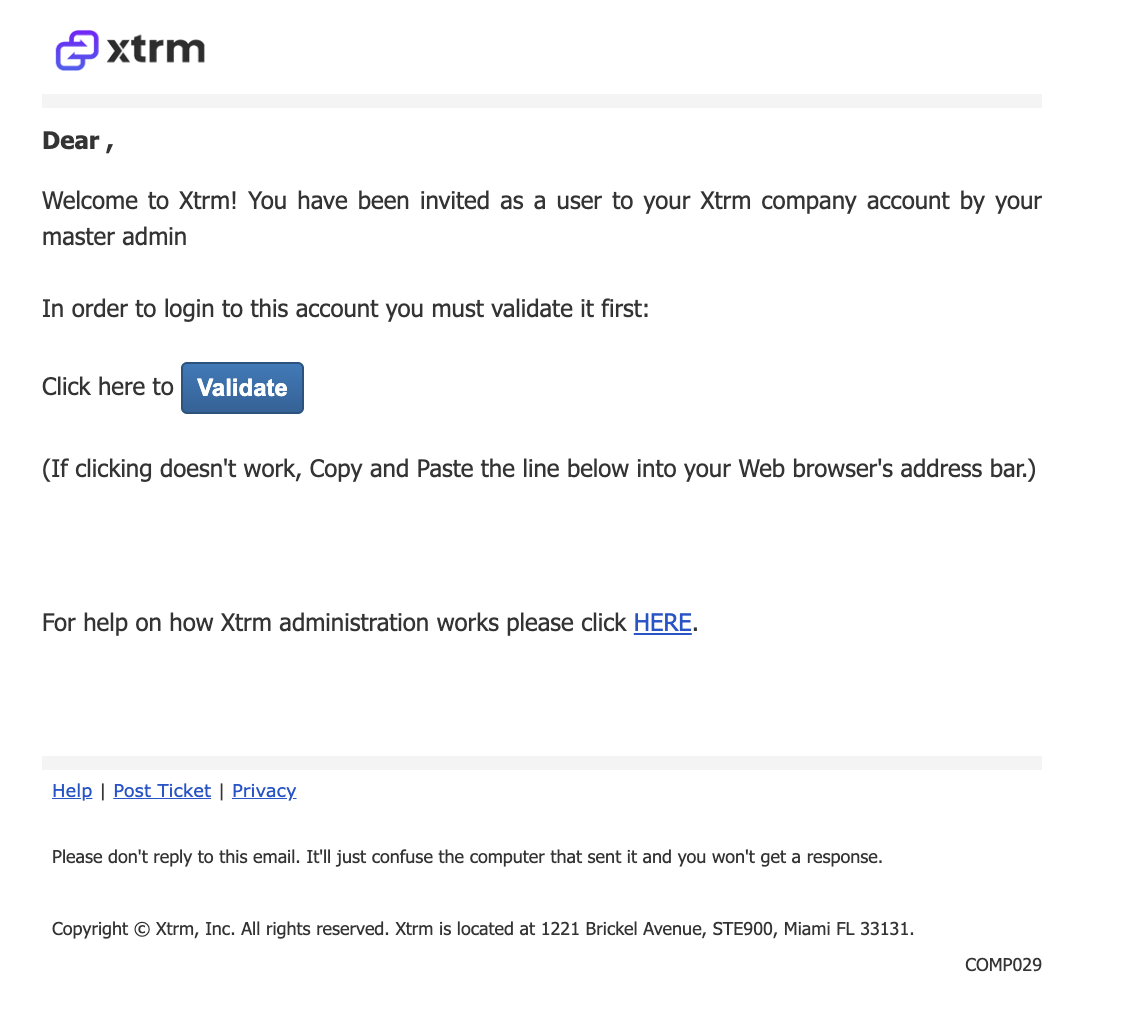
COMP029 — Newly Added User Activation Email
Last updated: October 7, 2026
This document outlines the process and notifications related to activating new users added to a company account.
To ensure that newly added users to a company account verify their email and activate their access, maintaining account security and enabling proper access to company resources.
The notification is triggered when:
A new user is added to a company account by an administrator.
The system automatically sends an activation/validation email to the new user’s registered email address.
Activation Process
The user should contact their company’s Master Admin, identified in payment notification emails if applicable, to request being added with the appropriate permissions.
The Master Admin adds the user’s email address to the account and grants the necessary access, such as wallet access.
The system sends an activation email to the new user’s registered email address.
The user clicks Validate in the activation email and signs in with their email to complete activation.
Note: After activation, users can view wallet balance and transactions in XTRM. Rebate details and claims are managed separately in the Partner Portal.